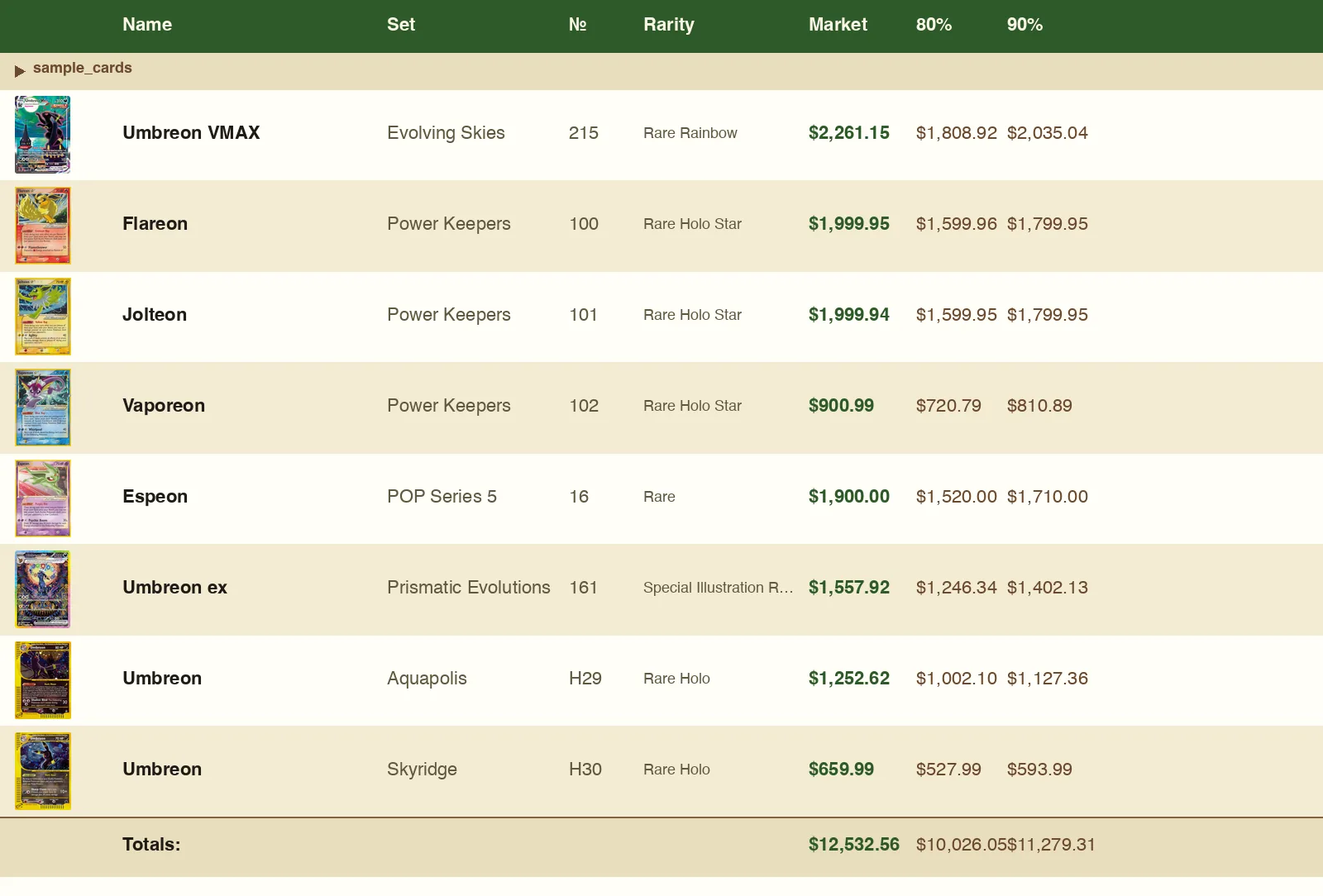
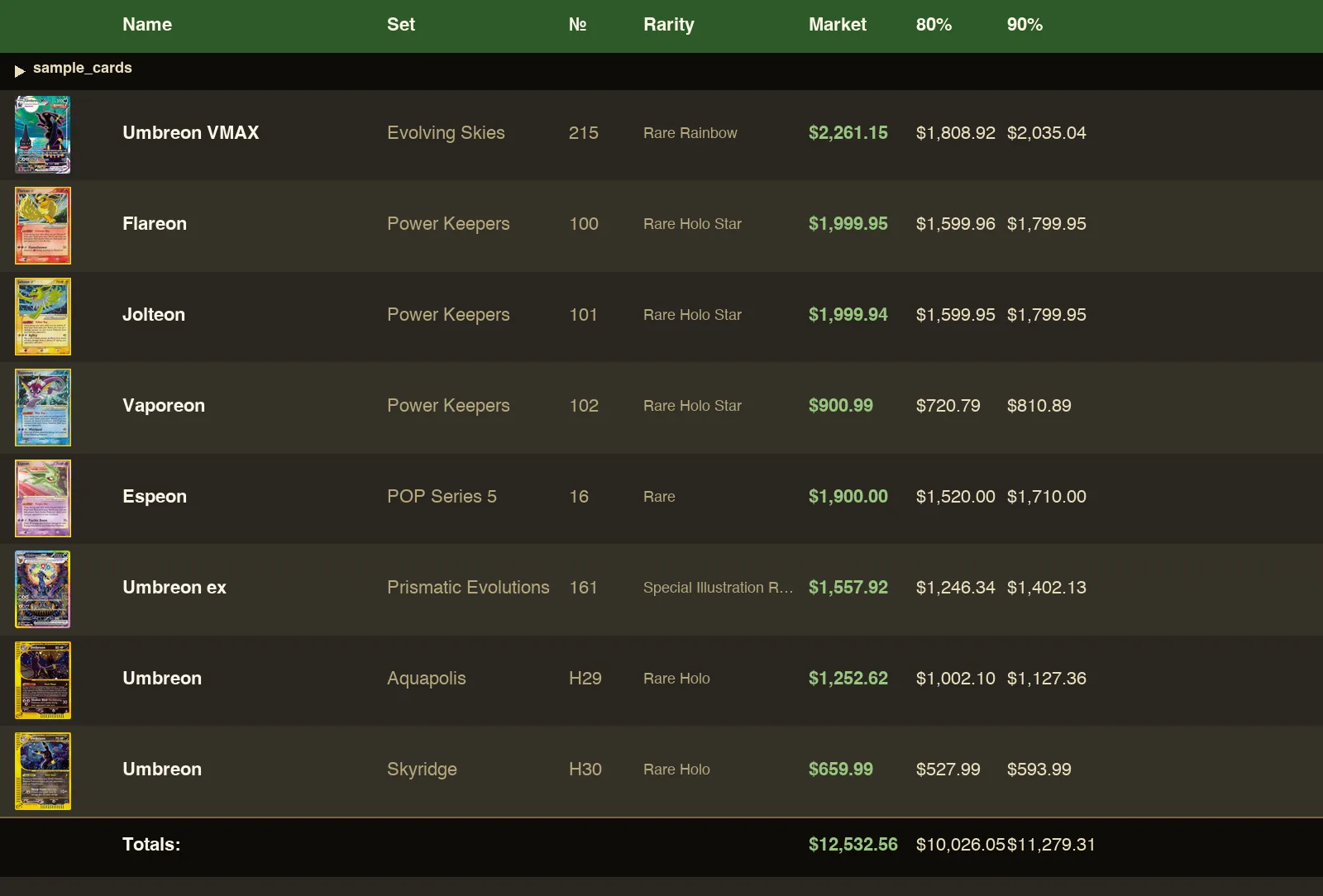
Spreadsheet
cards.xlsxPer-tag sections, thumbnails inline, market price and your 80 / 85 / 90 / 95 % comps on every row — with a totals row at the bottom.
Now shipping 1.9.0
mgz-pkmn turns a list of cards you want into a printable binder with thumbnails, market prices, and your negotiation floor. Built for collectors who'd rather show up informed than wing it on convention center Wi-Fi.
From the maker
I'm Matt — a collector who writes software. mgz-pkmn started with my own binders: I'd map out the collection I wanted, then get the order wrong, miscount, miss a card, and never quite see where the gaps were. What I wanted was one clean list — the cards I'm chasing, with current prices — to carry into a show and set in front of a vendor.
So I built it, in the hours around a full-time engineering job. Becoming a parent pulled me further into the hobby, not out of it — and into the community around it.
It's collector-first, and built by a real collector for real collectors. The market's been pulled around by speculation and big money, and plenty of people got priced out of their own hobby. This is the opposite bet: make Pokemon accessible to everyone — whatever your age, budget, or reason for collecting.
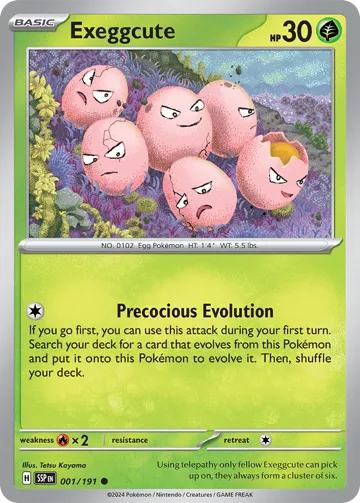
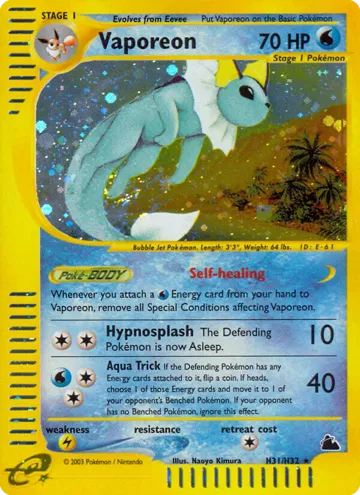
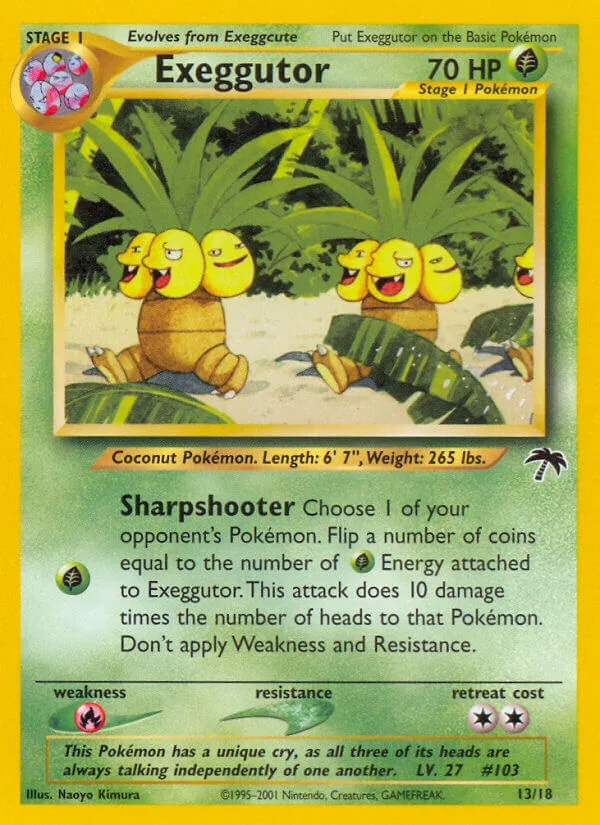
It's MIT-licensed and built in the open — and yes, there's an Exeggutor or two hiding in it.
One pipeline, three open data sources, every output format that's useful for prepping a card show.
Layered lookup across pokemontcg.io (TCGPlayer + Cardmarket), TCGdex for international cards, and PriceCharting for region-exclusive products. Always negotiating from the same data the seller sees.
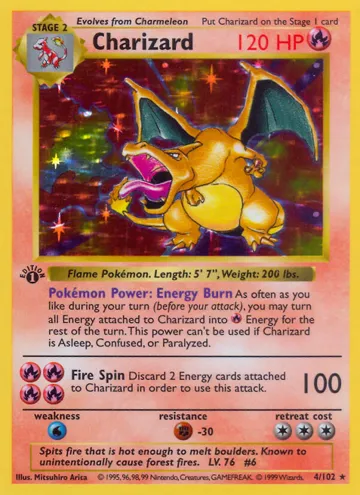
Bulk syntax like top:5 Charizard cards or all Pikachu prints, inline price filters, language tokens. Describe what you're hunting, not every card name.
Every row carries 80, 85, 90, and 95 percent of market. Your floor and ceiling are on the page when you sit down at the table.
Thumbnails embedded directly in the spreadsheet and PDF binder. Recognize the right printing across a glass case at ten feet.
xlsx with totals and per-tag sections, PDF binder pages (3×3 standard or 6×4 condensed), set-completion checklist, structured JSON report. Take the formats you actually use.
Japanese, Korean, Simplified and Traditional Chinese, German, French, Spanish, Italian, Portuguese, and more — automatic fallback when a card isn't indexed in English-only sources.
Designed for the buyer's workflow first — but the same pipeline produces a seller's inventory sheet when you bring binders to the table.
Plain text. One card per line. Use shortcuts like top 5 Mew | base set under $50 or all charizard cards | japanese — the parser does the rest.
pkmn lookup input.txt -o cards.xlsx --pdf binder.pdf --checklist checklist.pdf. Or open the web app — swipe through cards one at a time, walk a whole set, or paste a wishlist into Search. Same pipeline, no install.
Open the xlsx for live reference, hand the printable binder to the vendor, tick cards off the checklist as you find them. Negotiate from facts.
Every run produces the same three artifacts — pick the format that fits the moment. Screenshots below are rendered from the tracked sample outputs inoutput/.
cards.xlsxPer-tag sections, thumbnails inline, market price and your 80 / 85 / 90 / 95 % comps on every row — with a totals row at the bottom.
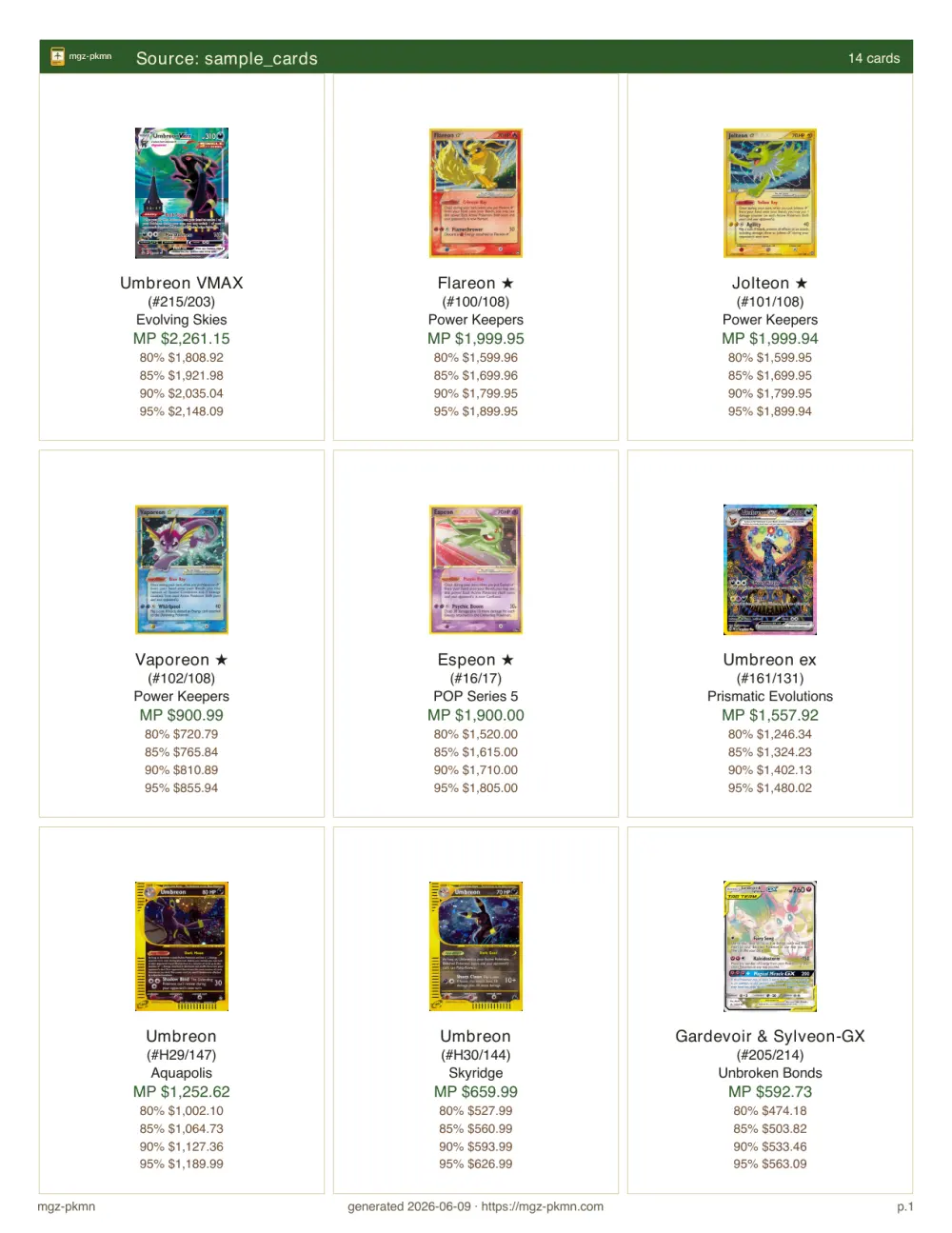
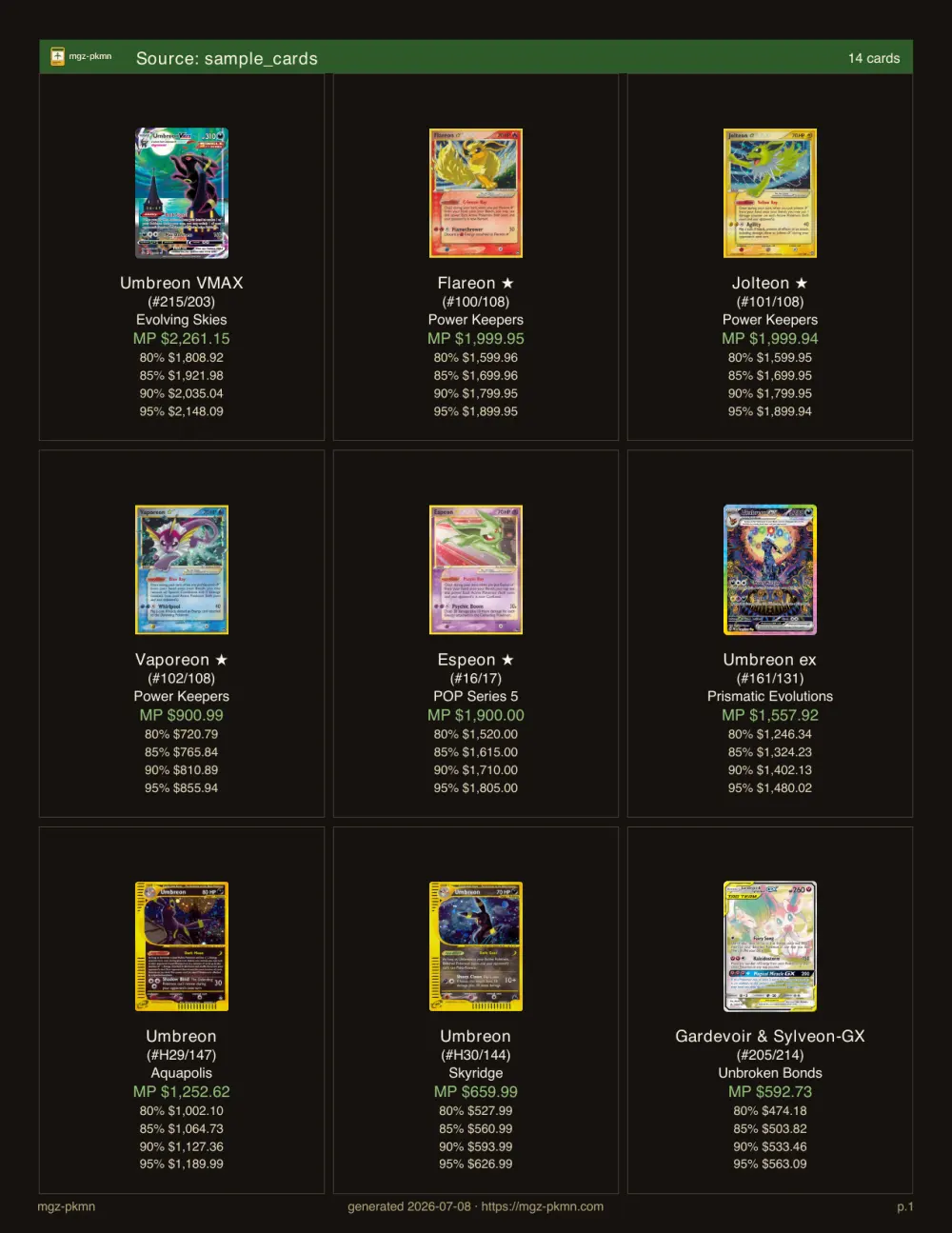
binder.pdfPrintable 3×3 binder page — thumb, set, number, price. Hand it across the table.
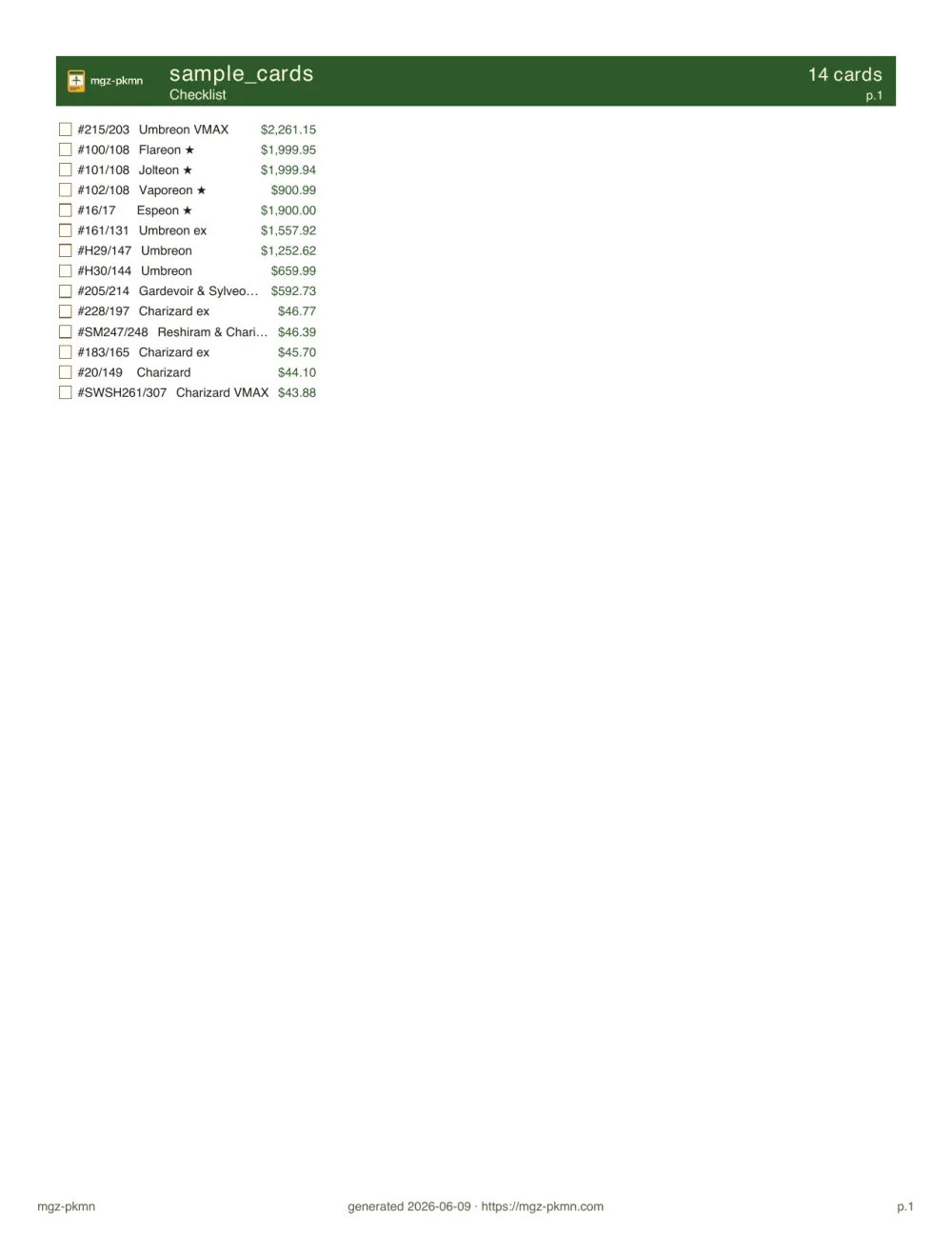
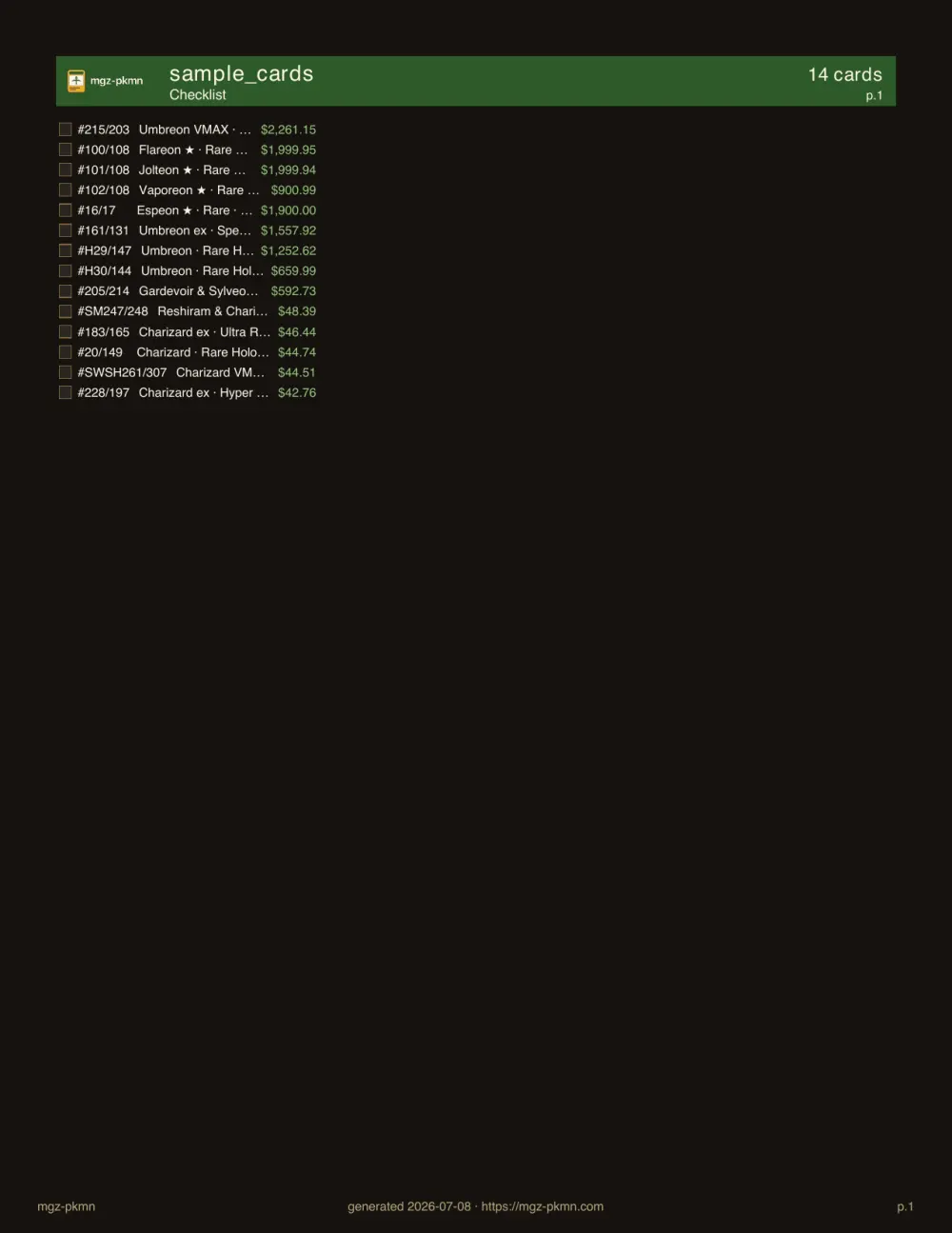
checklist.pdfTick boxes by set, in collector-number order. Drop it in your binder and shop.
For vendors & shops
Right now mgz-pkmn is built for collectors — there's no vendor or storefront tooling yet, and I haven't started any. Before I build something nobody asked for, I'm trying to learn whether it's wanted at all. If you sell cards and a tool like this would help your booth or shop, I'd genuinely like to hear from you. Nothing's built — this is just me asking.
Tell me you're interestedMIT-licensed, public roadmap, first-time contributors welcome. The same tool you're trying — shaped by anyone who wants to help.
A curated list of small, well-scoped tasks for first-time contributors. Labels for the area you want to touch — lookup, outputs, cache, web, site.
Browse starter issues →Open questions, design proposals, and announcements live here. The right place to float an idea before it's an issue — or just say hi.
Open Discussions →The full workflow from issue to merged PR: branch naming, sign-off, the local gate, PR conventions. Everything you need to land your first change.
Read the guide →Roadmap organized by area — lookup, outputs, cache, web, devops. Speculative ideas live in the full roadmap; the committed work is below.
Collector-facing web surfaces: swipe triage, browse-a-set, saved searches, wishlists, collections, and printable binders.
View milestone →Make it honest — every surface that explains the app brought back in sync with what it ships, plus the first end-to-end smoke tests and a collector-facing front door.
View milestone →Web workspace rethink: a real library identity (saved searches vs. wishlists vs. collections), a mobile-first IA, and export / filter / pricing-column upgrades.
View milestone →Full roadmap (the committed minors plus the speculative Backlog) lives in therepo.
The last few releases at a glance — straight from the changelog.
POST /api/v1/subscribe creates a Resend contact and fires a New Signup event so a three-email track tailored to that reason begins, consolidating email onto the vendor that already relays magic links and retiring the paid Buttondown drip (ADR-0028 supersedes ADR-0014)./bulk SSE endpoint now runs lookups with bounded concurrency, cancels queued work when the client disconnects while keeping SPA progress monotonic, and memoizes the upstream session per API key to keep connections warm.Newsletter
Tell us why you're here and we'll send a short welcome that fits — then the odd note when a new version ships. No spam, unsubscribe anytime.